MG-SOFT NetConf Browser Professional Edition
Introduction
MG-SOFT is a company that offers a suite of network management related products. One of their products, the MG-SOFT NetConf Browser Professional Edition is a client that can connect to a NETCONF or RESTCONF server and that offers a graphical user interface for exploring and editing the data store in the server.
Download and install
You can download the MG-SOFT NetConf Browser Professional Edition from the download page on the MG-SOFT website.
MG-SOFT offers a version of the browser that runs natively on Linux, but I find it more convenient to run the macOS version of the browser and connect to the NETCONF server that runs inside my Ubuntu virtual machine over the bridge network.
To do anything interesting with the MG-SOFT NetConf Browser, you will need to apply a license key. You can purchase a license online or you can request a 30-day evaluation license online. Note: I am not affiliated with MG-SOFT in any way and I don’t get any commission.
Start the clixon NETCONF server
The MG-SOFT NetConf Browser is a NETCONF client, so we need a NETCONF server to be running. We will use clixon as the NETCONF server. Refer to the clixon chapter in this tutorial for instructions on how install clixon, how to build clixon, how the start the clixon backend daemon, and how to configure SSH to start the clixon NETCONF server.
As a quick sanity check to make sure the NETCONF server is running properly,
manually start an SSH session
(replace username@<vm-ip-address> with the usenname and IP address of the virtual
machine that runs the clixon NETCONF server).
You should see a NETCONF hello message from the server:
$ ssh <username@vm-ip-address> -s netconf username@localhost's password: ******]]>]]> urn:ietf:params:netconf:base:1.1 urn:ietf:params:netconf:base:1.0 urn:ietf:params:netconf:capability:candidate:1.0 urn:ietf:params:netconf:capability:validate:1.1 urn:ietf:params:netconf:capability:startup:1.0 urn:ietf:params:netconf:capability:xpath:1.0 urn:ietf:params:netconf:capability:notification:1.0 4
Type Control-D to exit the SSH session.
Start the MG-SOFT NetConf Browser
Double click on the MG-SOFT NetConf Browser icon in the applications folder.

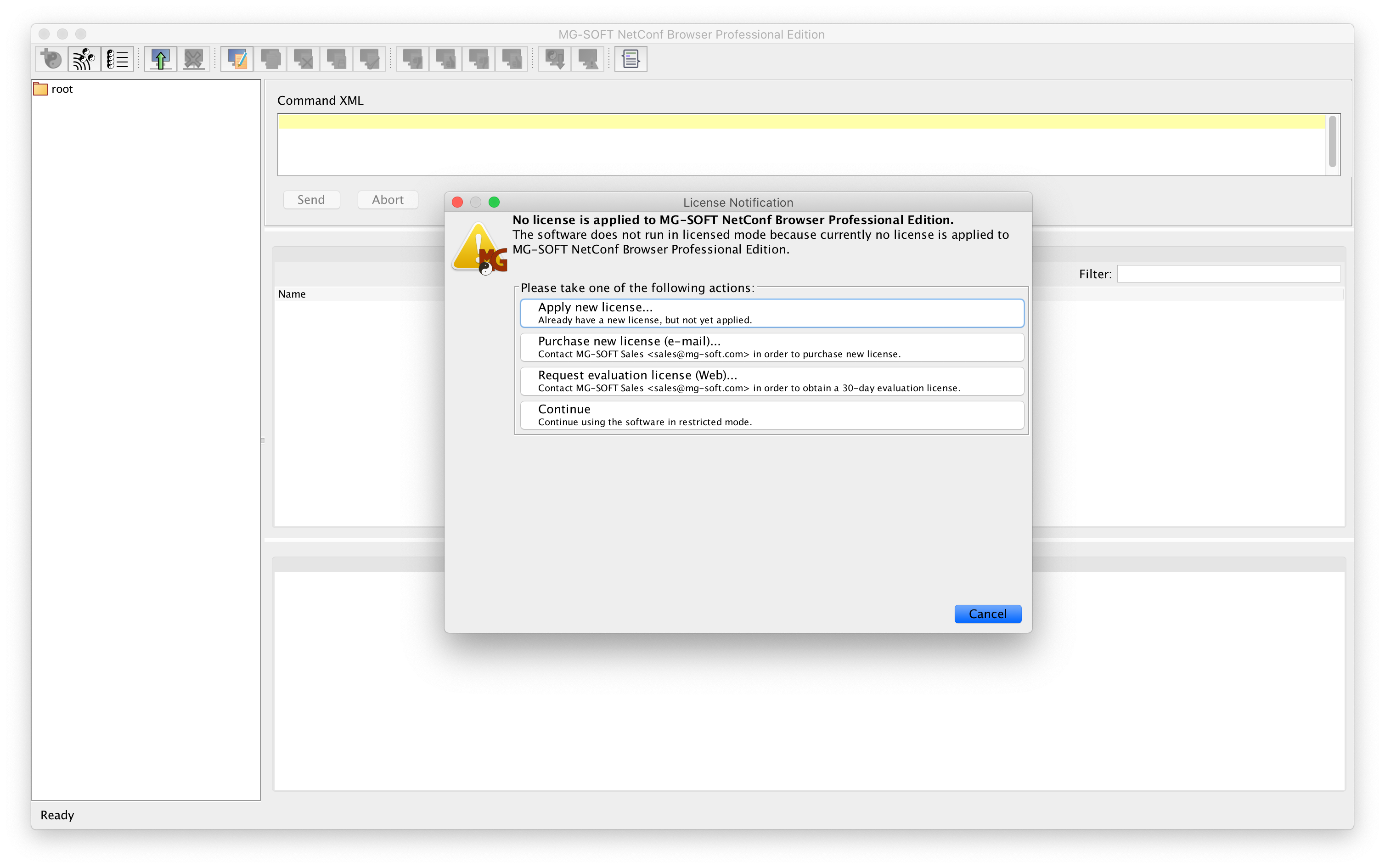
When you start the MG-SOFT NetConf Browser for the first time, it will give you the opportunity to install the evaluation license (you can also do this later using the Help → Apply License Key… menu item.)
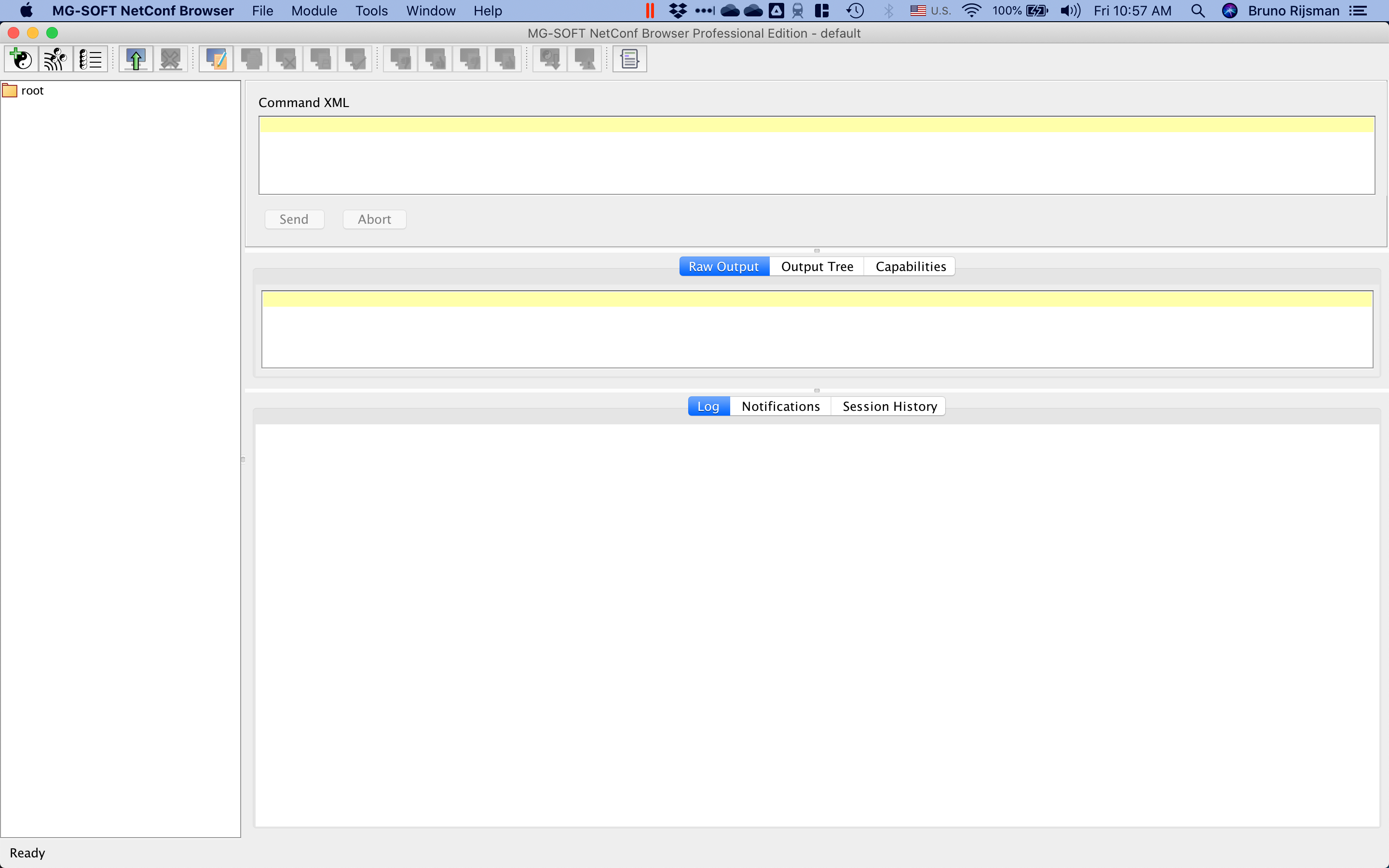
After installing the license key, you end up in the following screen:
Load the YANG data model
The first thing we have to do is to load our interfaces.yang YANG data model into the
MG-SOFT NetConf Browser.
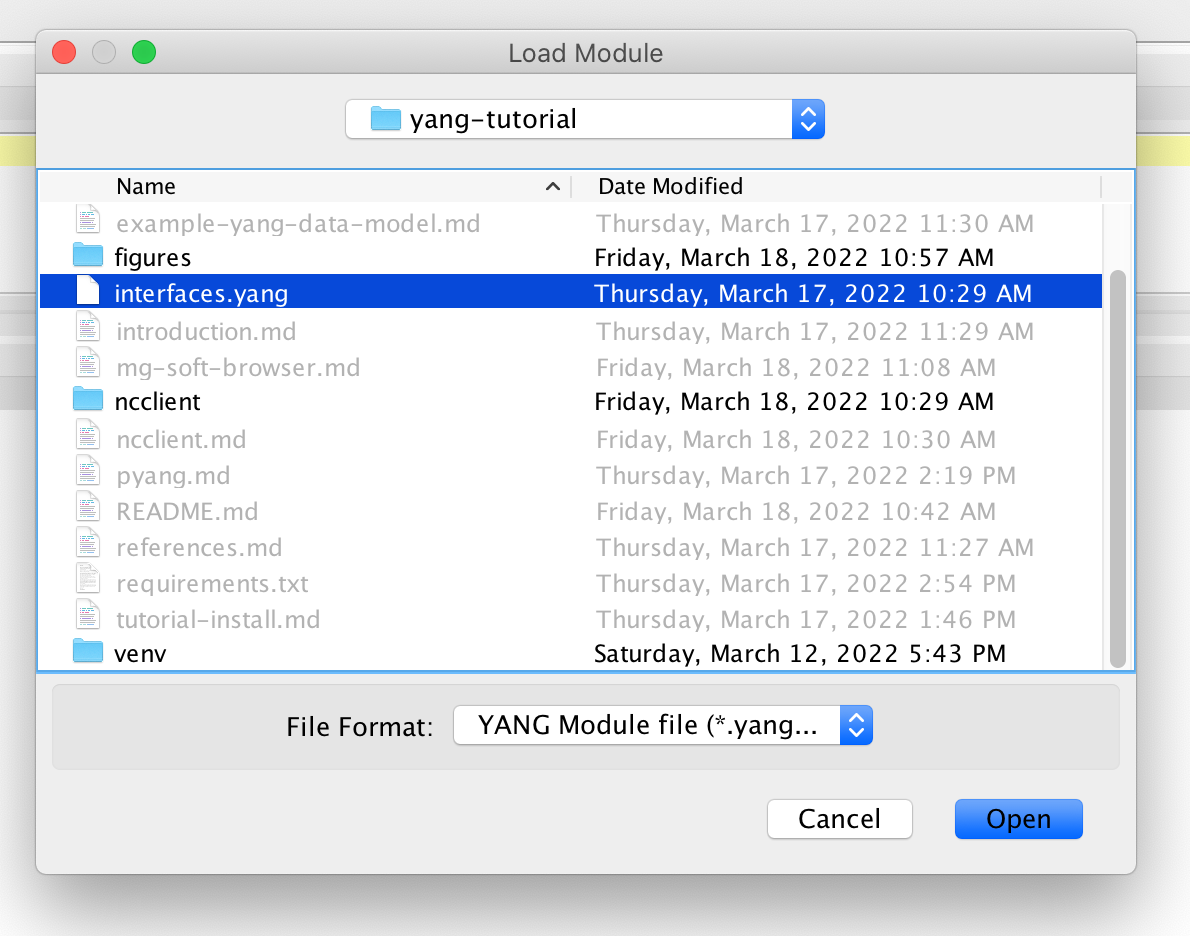
Select the Module → Load Module… menu item, and open the interfaces.yang file in this
repository.
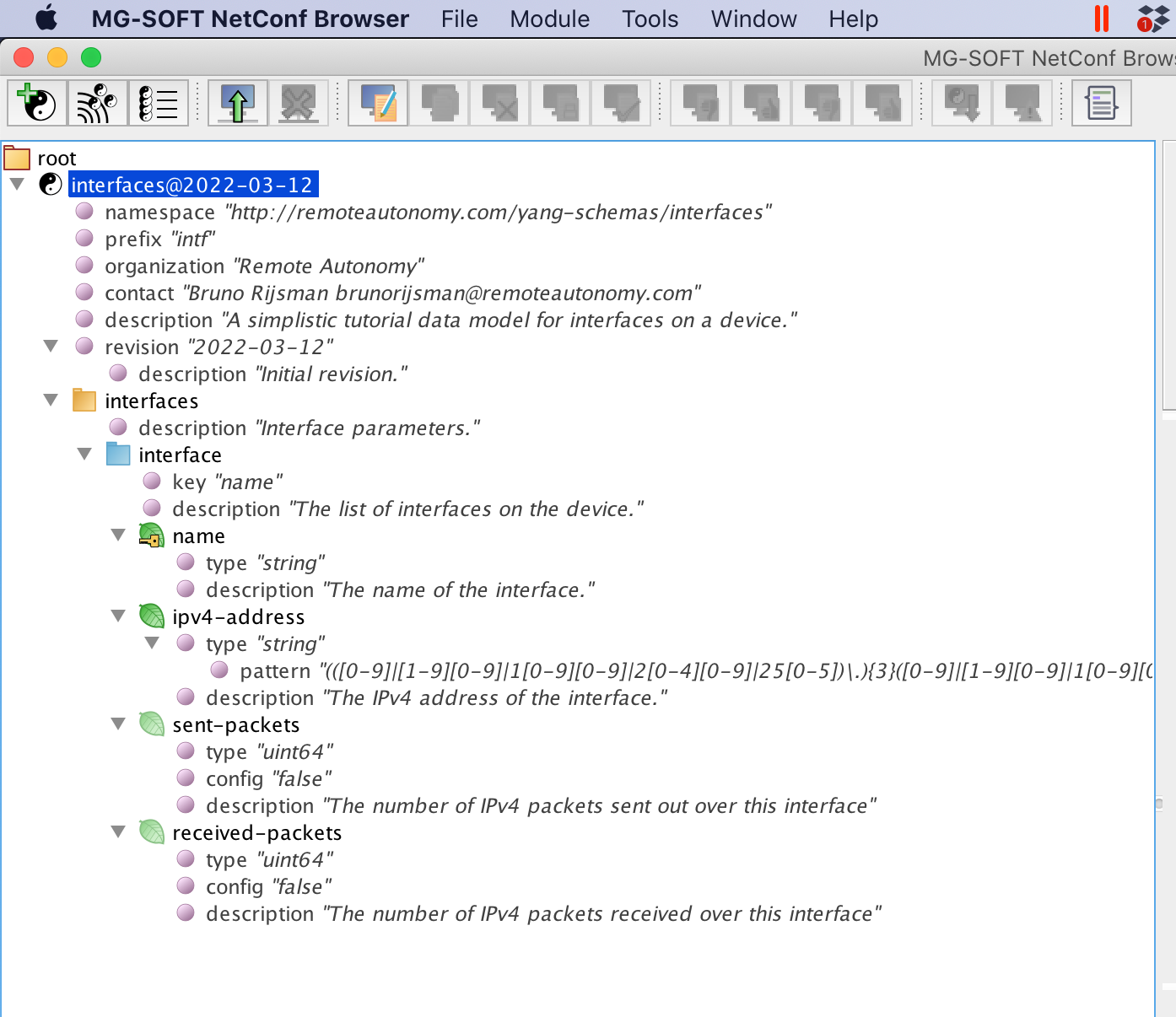
The interfaces YANG module appears in the left pane of the MG-SOFT NetConf Browser.
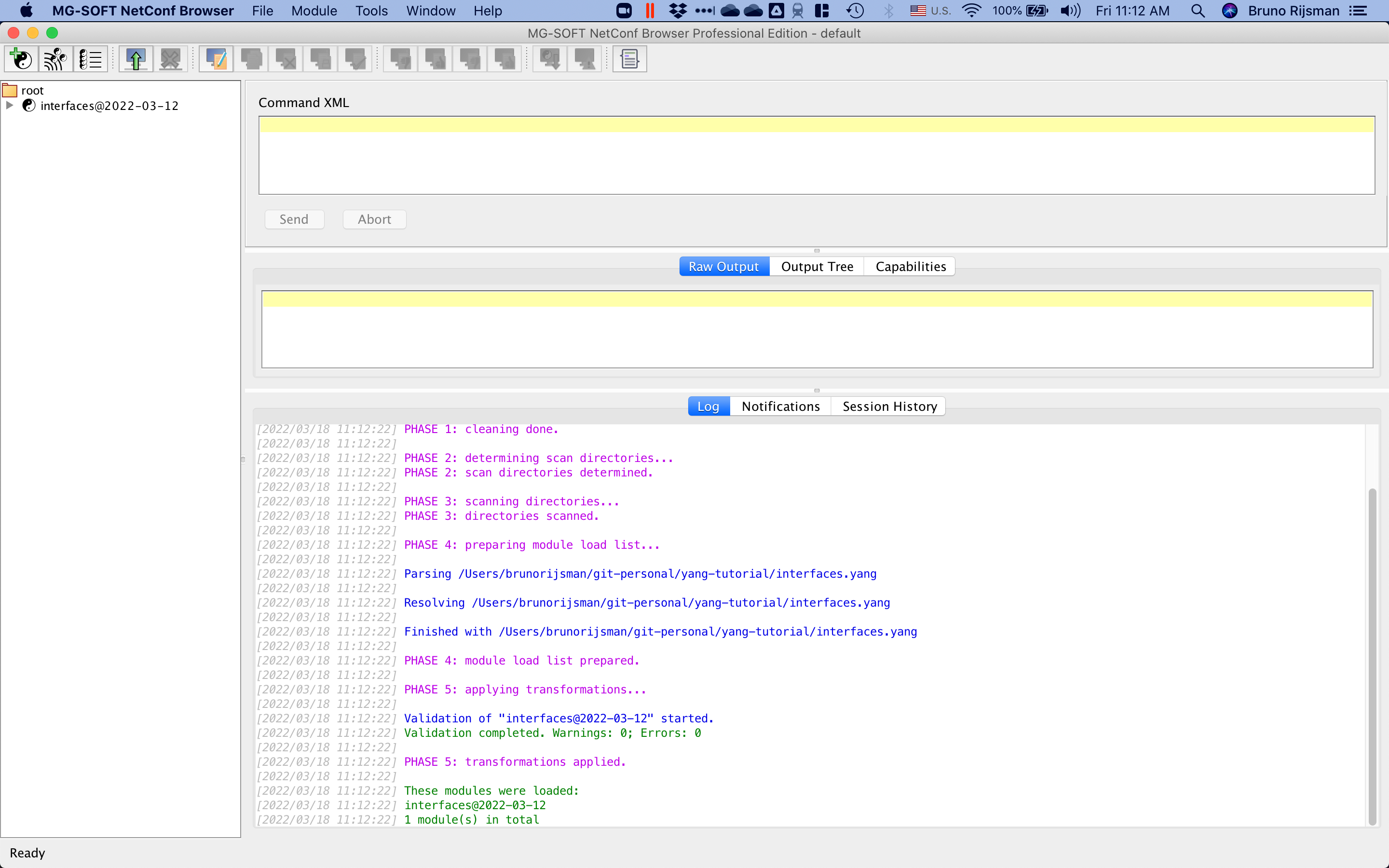
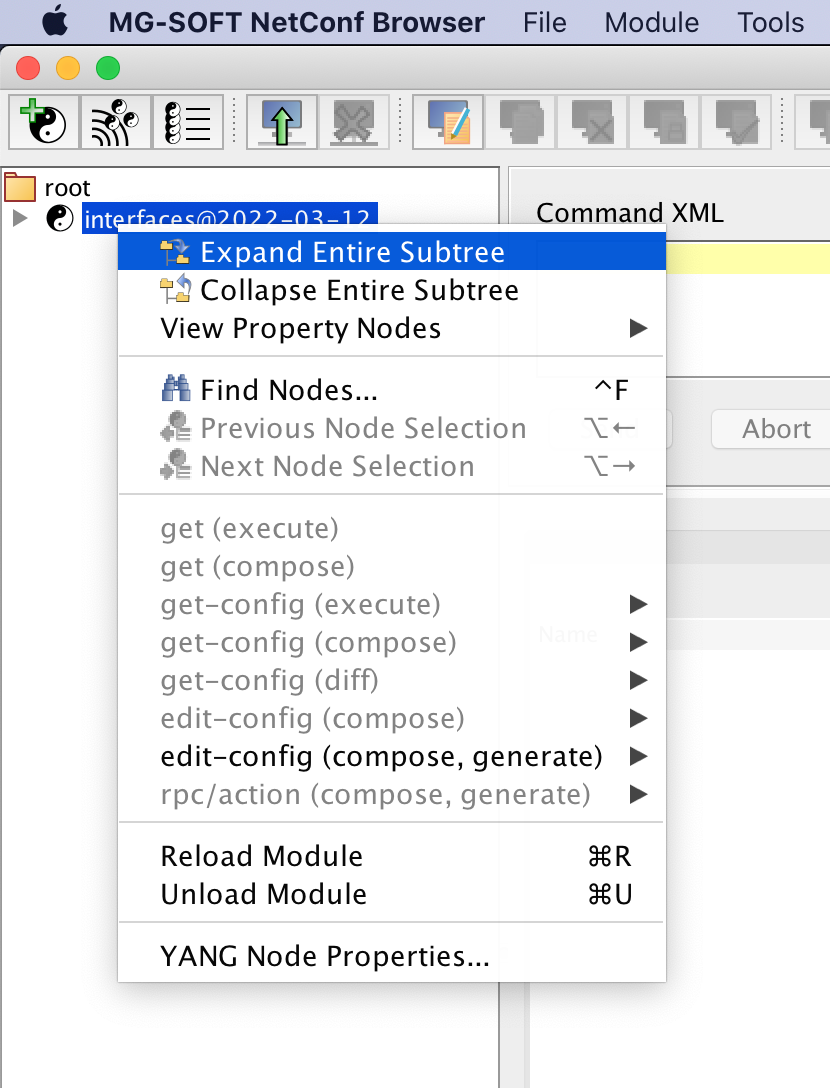
You can right-click on interfaces and choose menu item Expand Entire Subtree.
This shows an outline of the interfaces YANG module.
Connect to the NETCONF server
To connect ot the clixon NETCONF server, select the File → Connect… menu item and enter the following information (replace 10.211.55.8 with the IP address of the virtual machine that runs your NETCONF server and replace parallels with the username on the virtual machine).
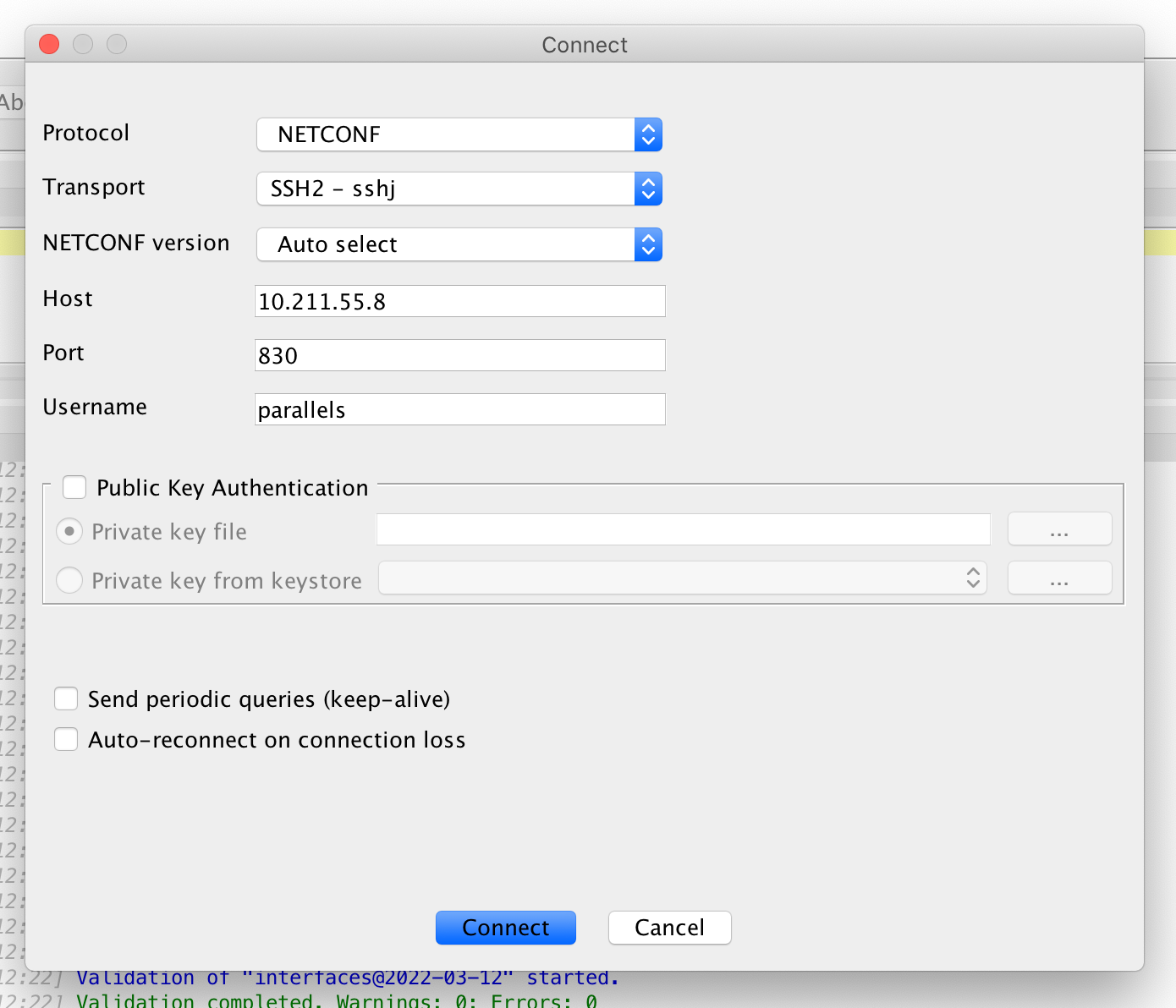
Note: until recently clixon had a bug that prevented it from interoperating with clients running NETCONF version 1.1 (see clixon issue #314). The symptom is that the clixon server stops responding after the initial hello message. By the time you are reading this tutorial, that bug should already have been fixed, but if not, you can work around the issue by selecting NETCONF version → 1.0 in the connect screen.
If you click on the Session History tab, you can see that the session is connected.
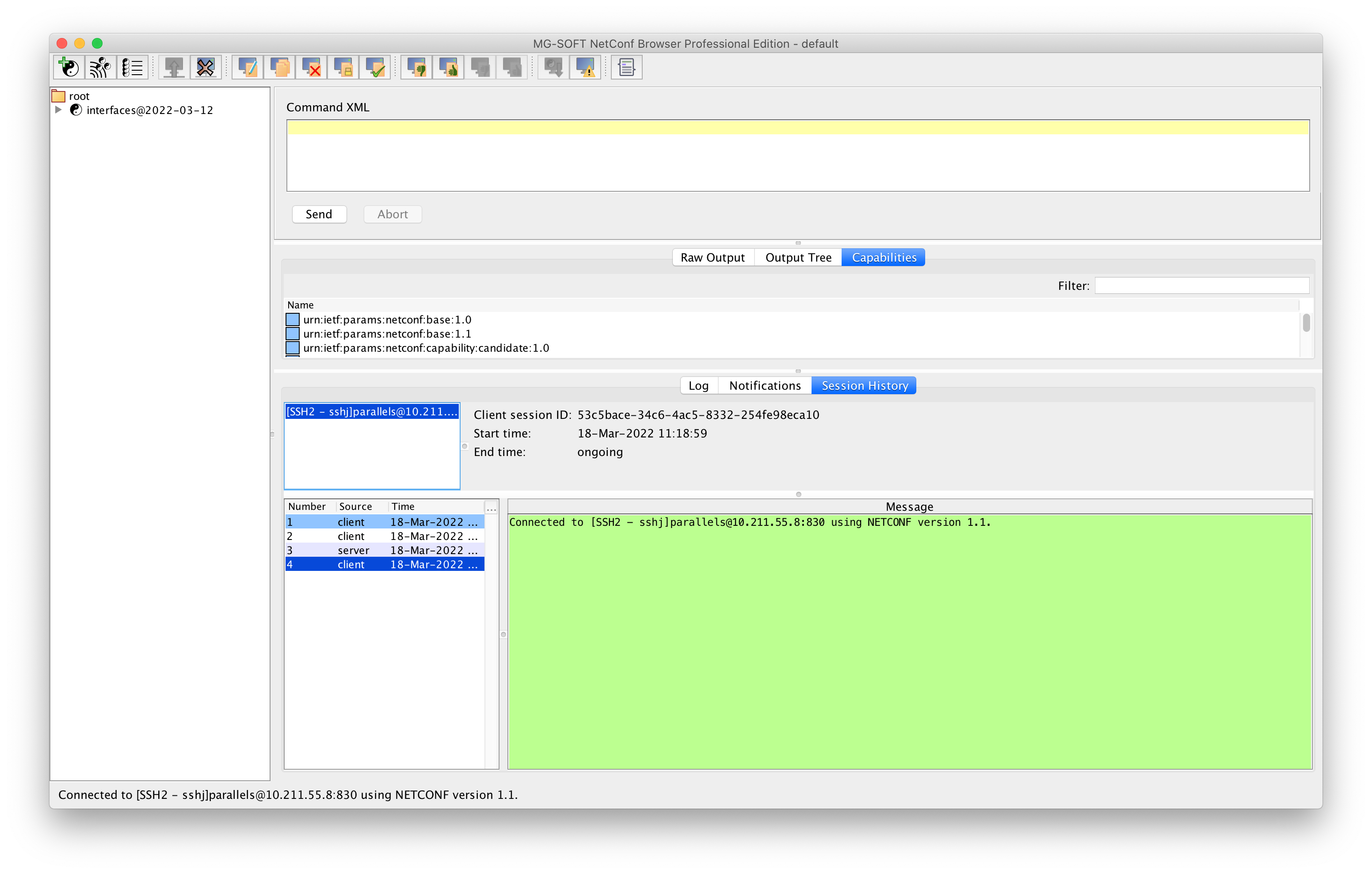
Retrieve the configuration
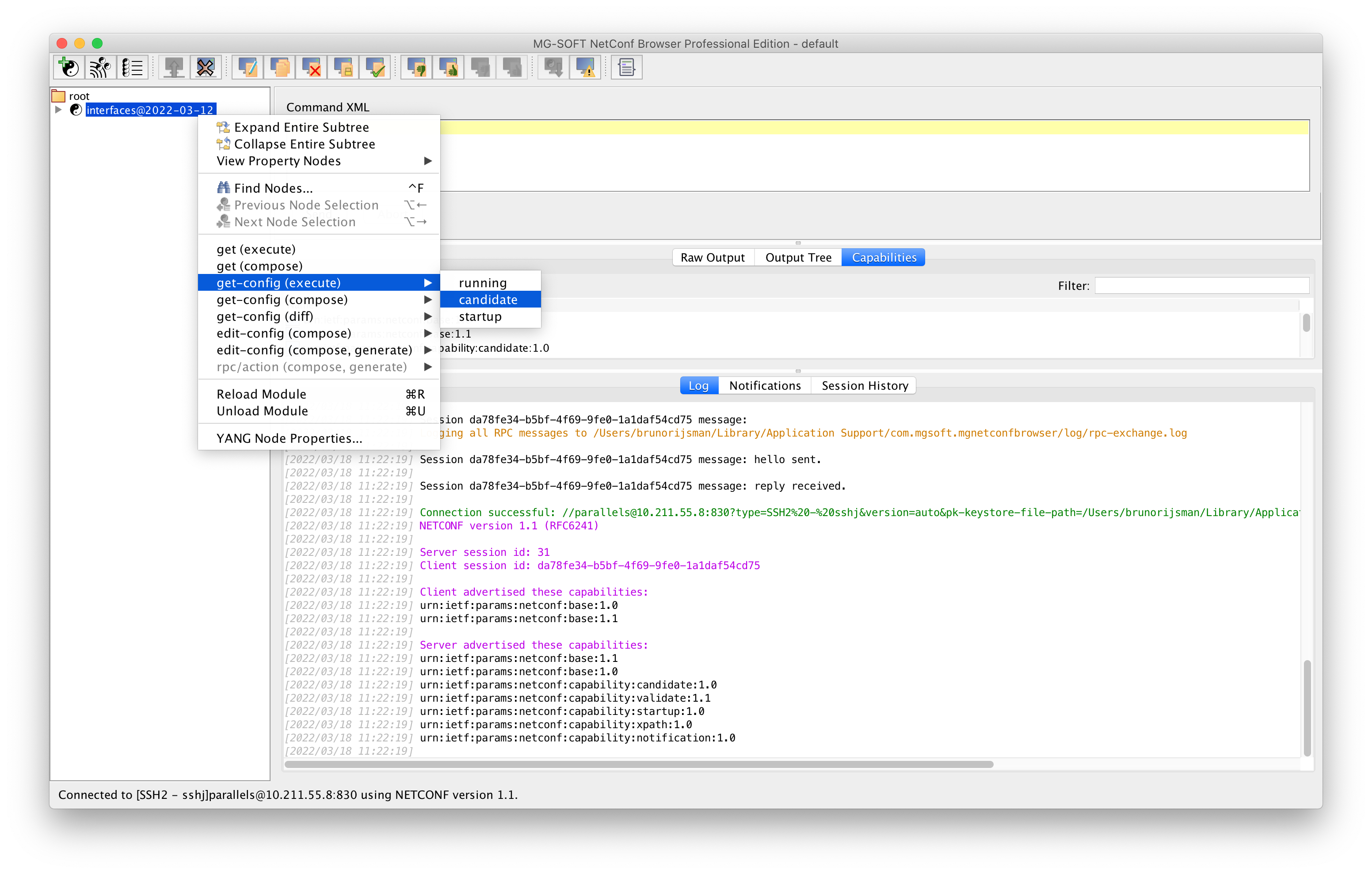
To retrieve the current candidate configuration (for example), right-click on the interfaces module, and then select get config (execute) → candidate.
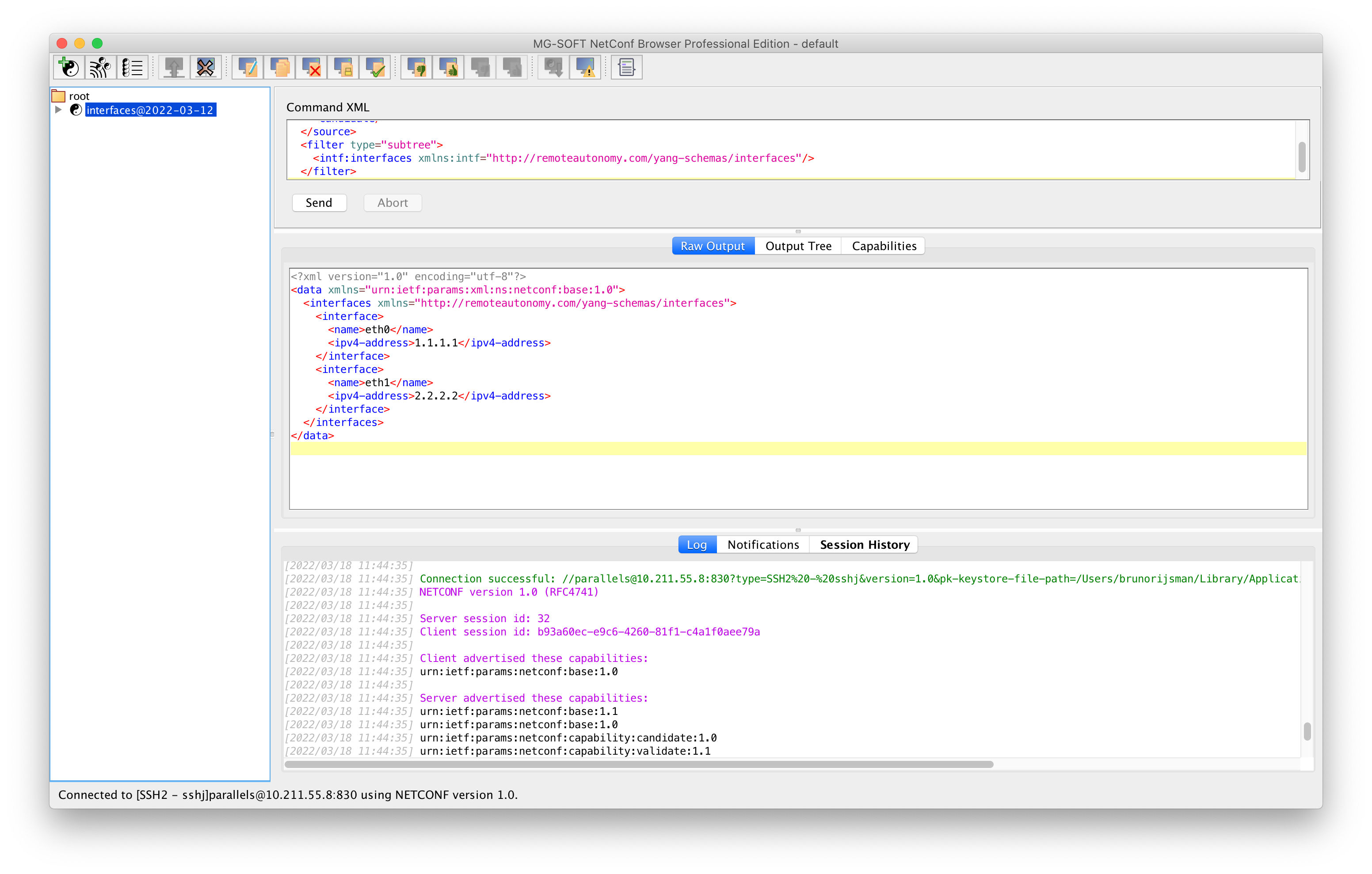
The retrieved configuration is shown in XML format in the middle pane (which you can make bigger). Note: this screenshot assumes that two interfaces have been configured in the clixon CLI.
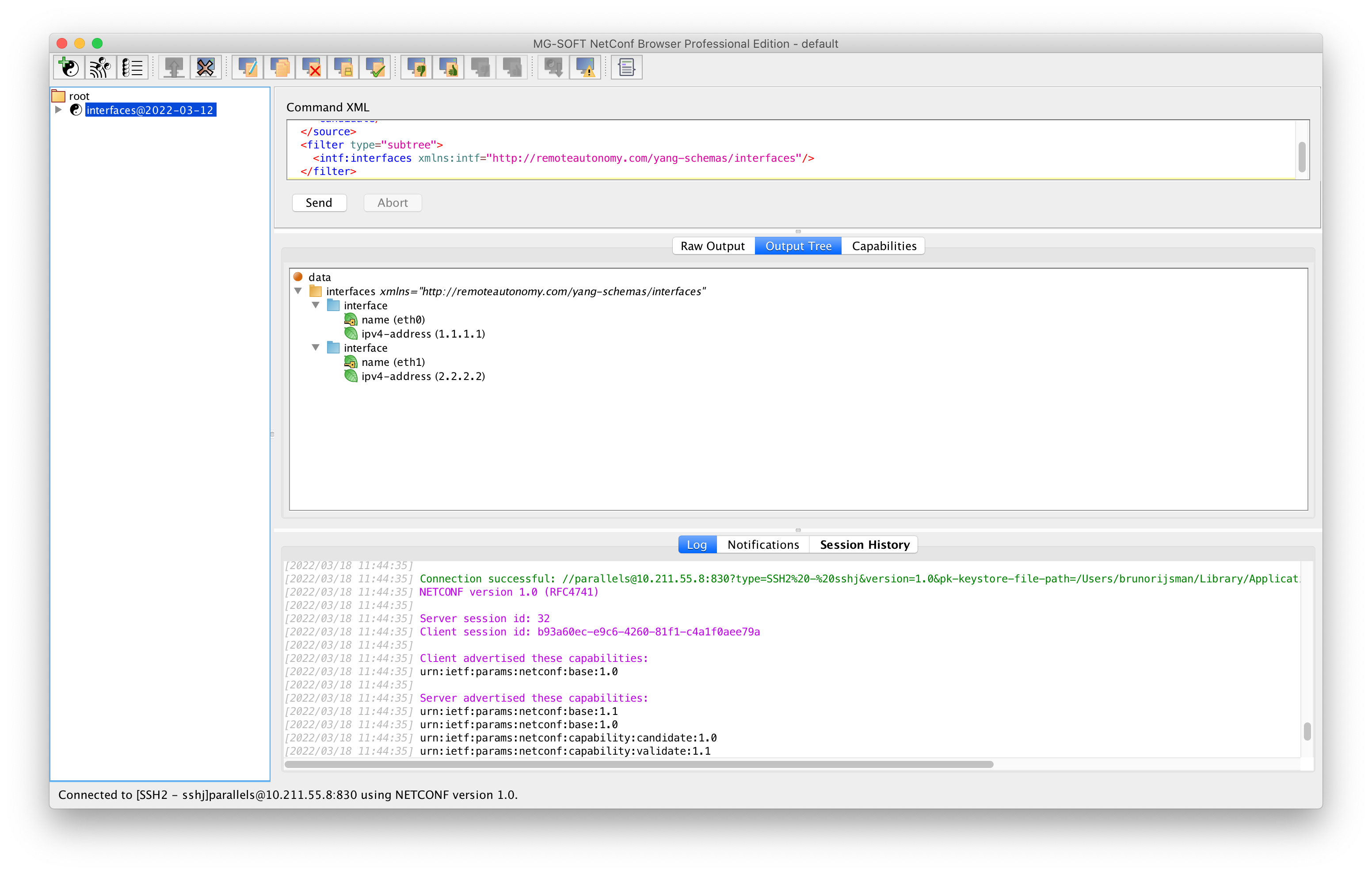
To display the same configuration in a more convenient graphical tree format, click on the Output Tree tab:
Change the configuration
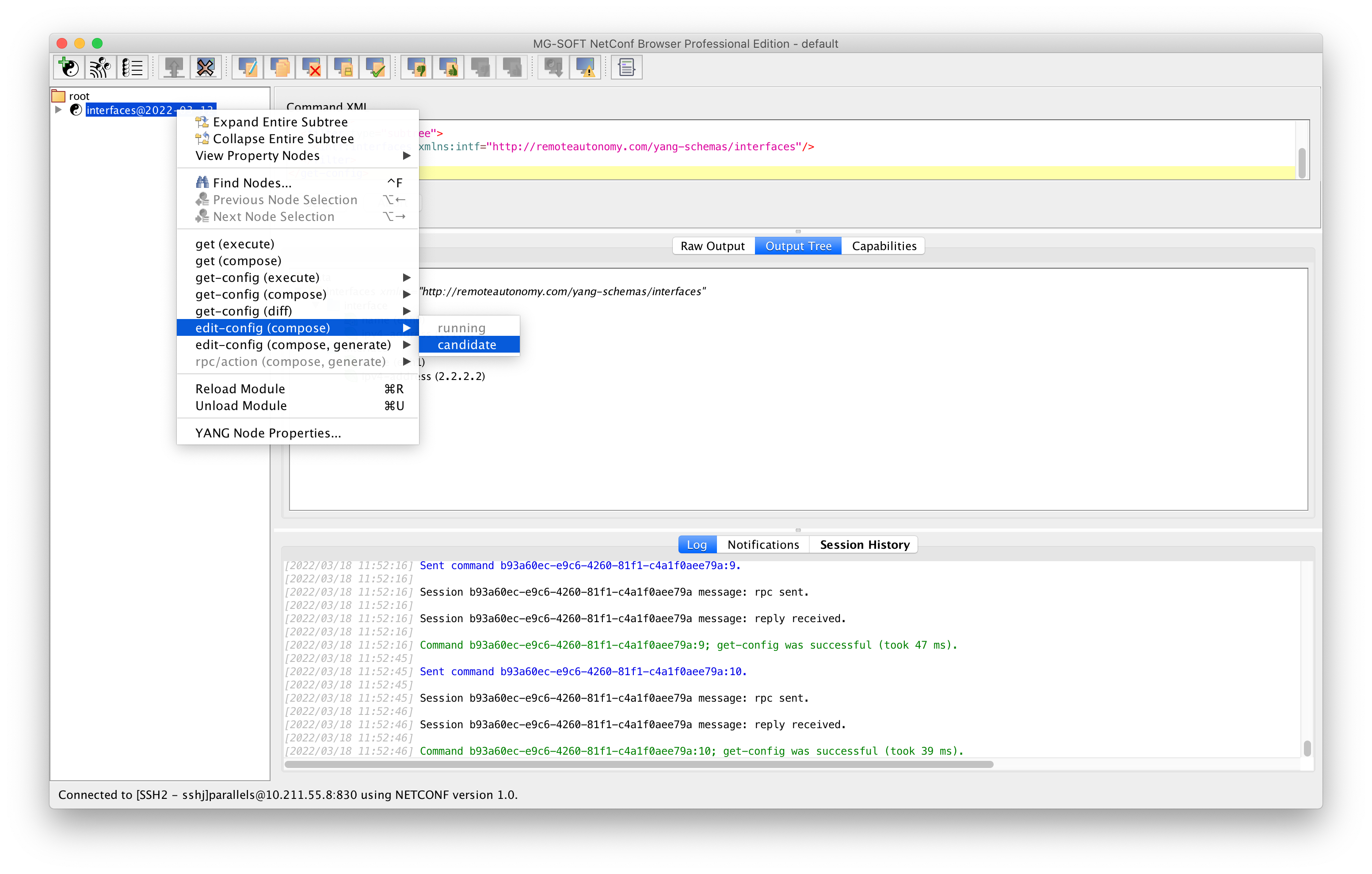
To edit the candidate configuration, right-click on the interfaces module, and then select edit config (compose) → candidate.
The NETCONF Content Editor window will appear, in which you can change the configuration (here we changed the IP address for interface eth1 from 2.2.2.2 to 3.3.3.3).
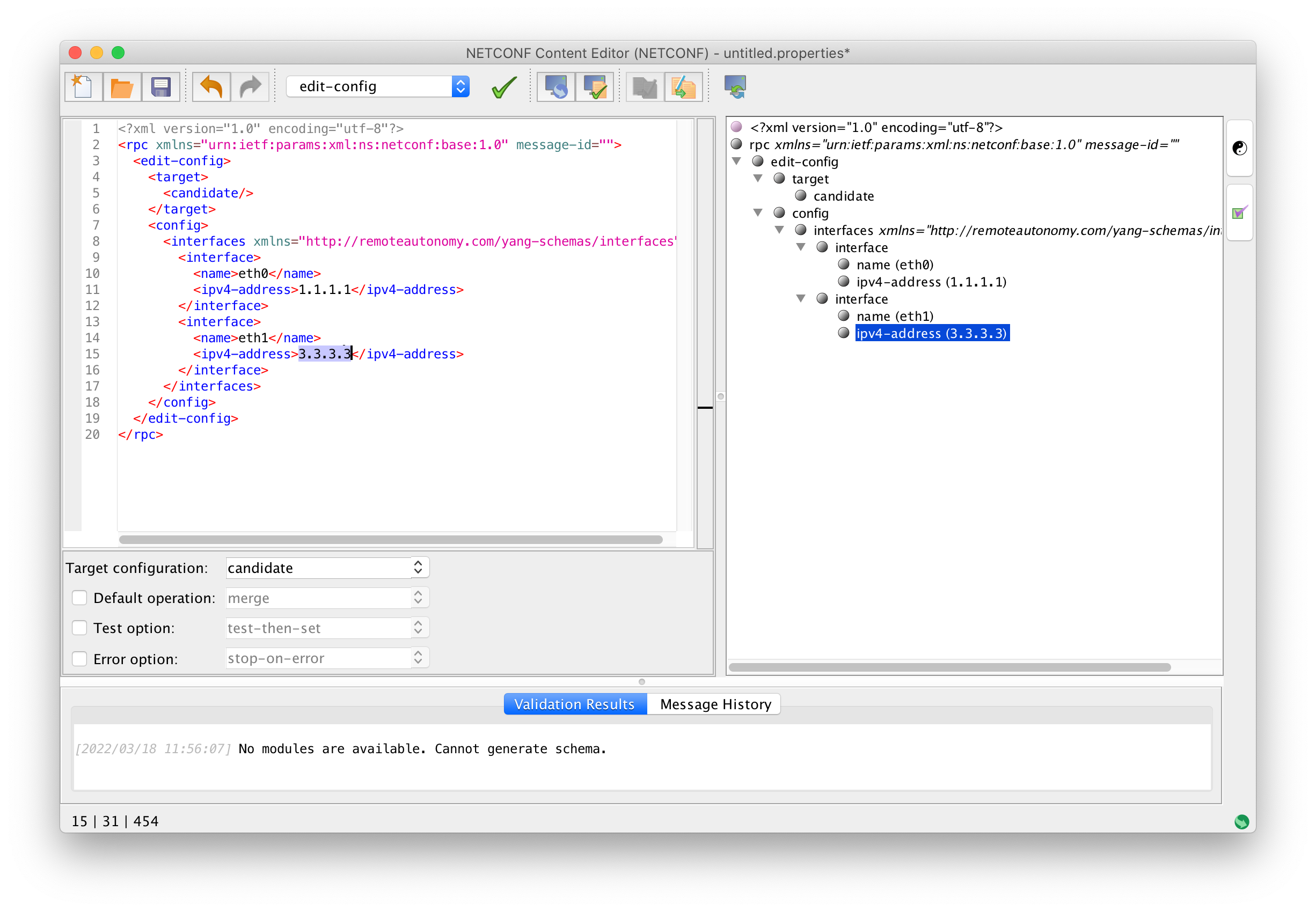
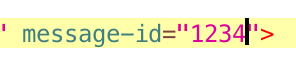
Note: the nixon NETCONF server does not accept an empty message identified, so you have to enter
some value (any value) for the message-id.
At this point you can validate the new configuration on the server by clicking on the Validate on Server button (yellow document with green checkmark):

TODO: This does not work; MG-SOFT NetConf Browser reports an error:
<?xml version="1.0" encoding="utf-8"?>
<rpc-reply xmlns="urn:ietf:params:xml:ns:netconf:base:1.0" message-id="17">
  <rpc-error>
    <error-type>application</error-type>
    <error-tag>operation-failed</error-tag>
    <error-severity>error</error-severity>
    <error-message>open(/usr/local/var/interfaces/config_db)</error-message>
  </rpc-error>
</rpc-reply>
For some reason, clixon tries to open /usr/local/var/interfaces/config_db which does not exist:
$ ls -1 /usr/local/var/interfaces
candidate_db
running_db
startup_db
tmp_db