MG-SOFT YANG Explorer Professional Edition
Introduction
MG-SOFT is a company that offers a suite of network management related products. One of their products, the MG-SOFT YANG Explorer Professional Edition allows you to explore, validate, and convert YANG data models.
Download and install
You can download the MG-SOFT YANG Explorer Professional Edition from the download page on the MG-SOFT website. The explorer is available for Windows, macOS, and several flavors of Linux. In this tutorial I use the macOS version.
To do anything interesting with the MG-SOFT YANG Explorer, you will need to apply a license key. You can purchase a license online or you can request a 30-day evaluation license online. Note: I am not affiliated with MG-SOFT in any way and I don’t get any commission.
Start
Double click on the MG-SOFT YANG Explorer icon in the applications folder.

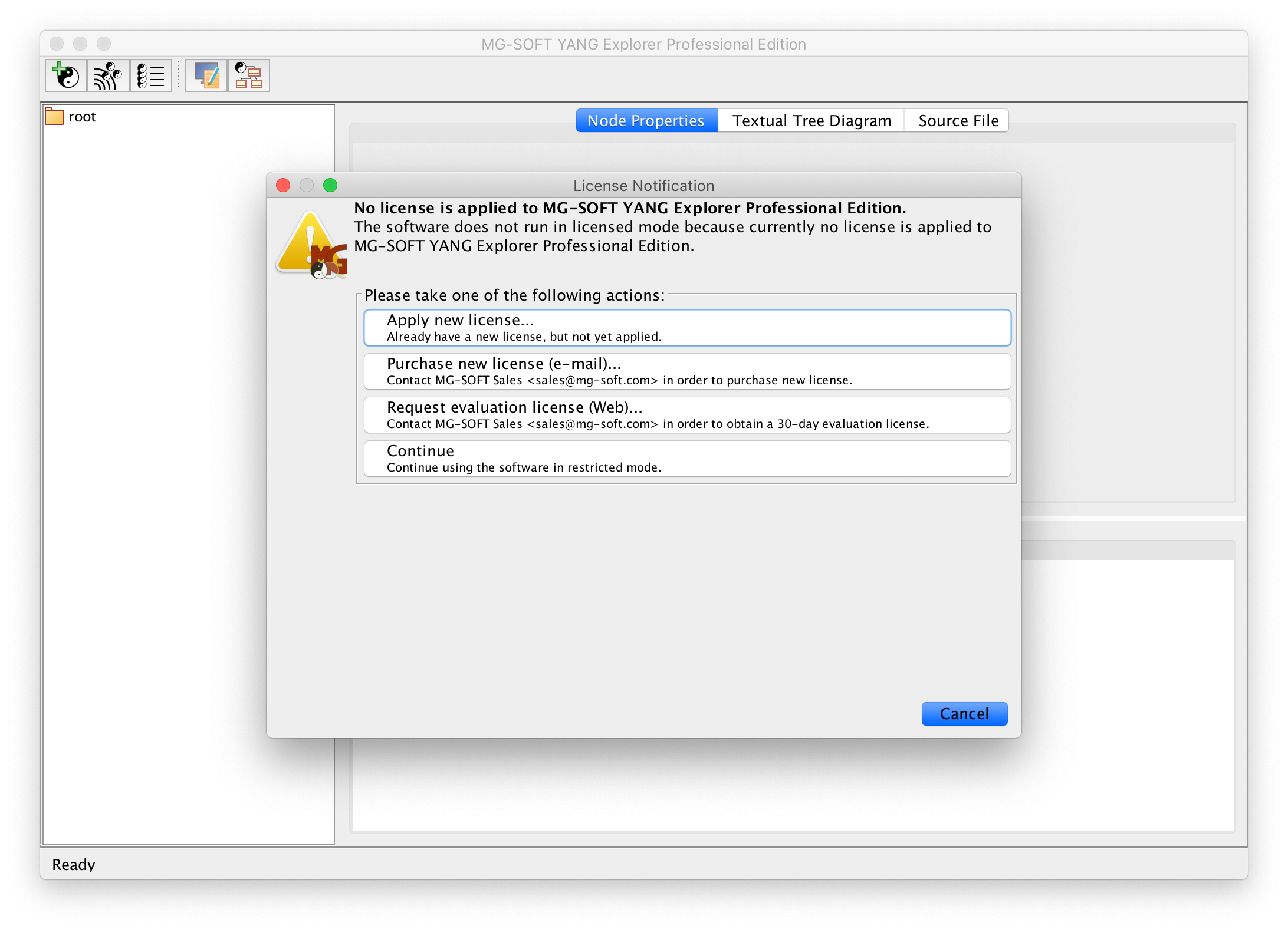
When you start the MG-SOFT YANG Explorer for the first time, it will give you the opportunity to install the evaluation license (you can also do this later using the Help → Apply License Key… menu item.)
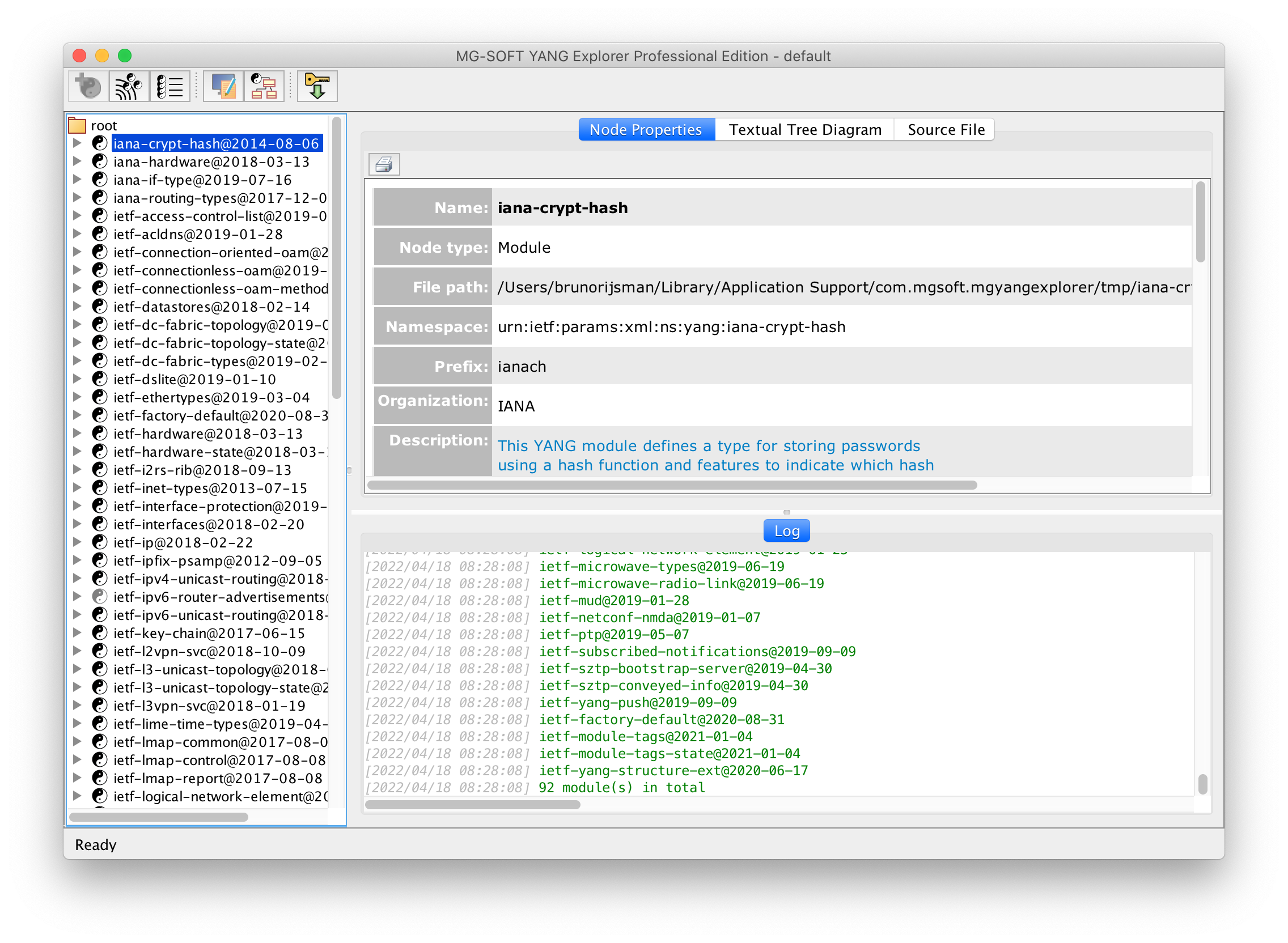
After installing the license key, you end up in the following screen. On the left side you see a list of standard IETF YANG data models that come bundled with the MG-SOFT YANG Explorer.
Load a YANG data model
The first thing we have to do is to load our interfaces.yang YANG data model into the
MG-SOFT YANG Explorer.
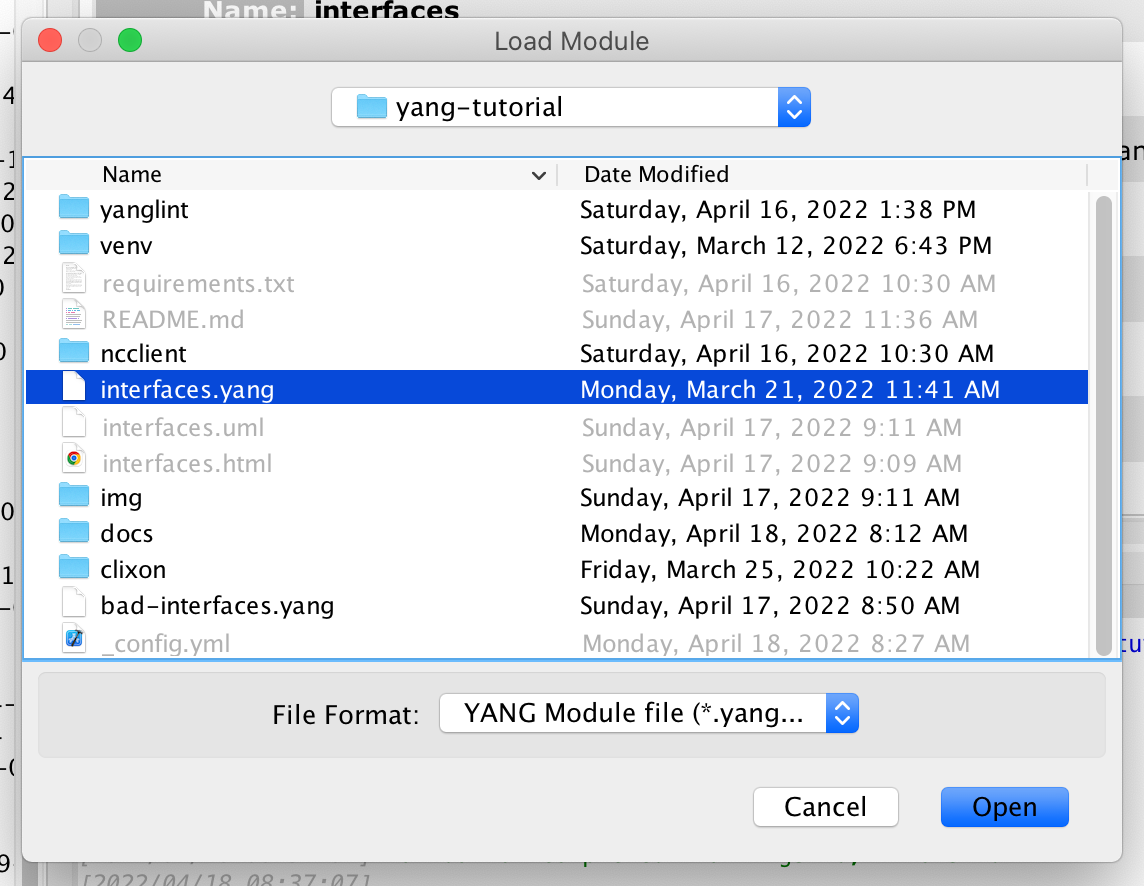
Select the Module → Load Module… menu item, and open the interfaces.yang file in this
repository.
Explore a YANG data model
The interfaces YANG module appears in the left pane; when you click on it, you get the details.
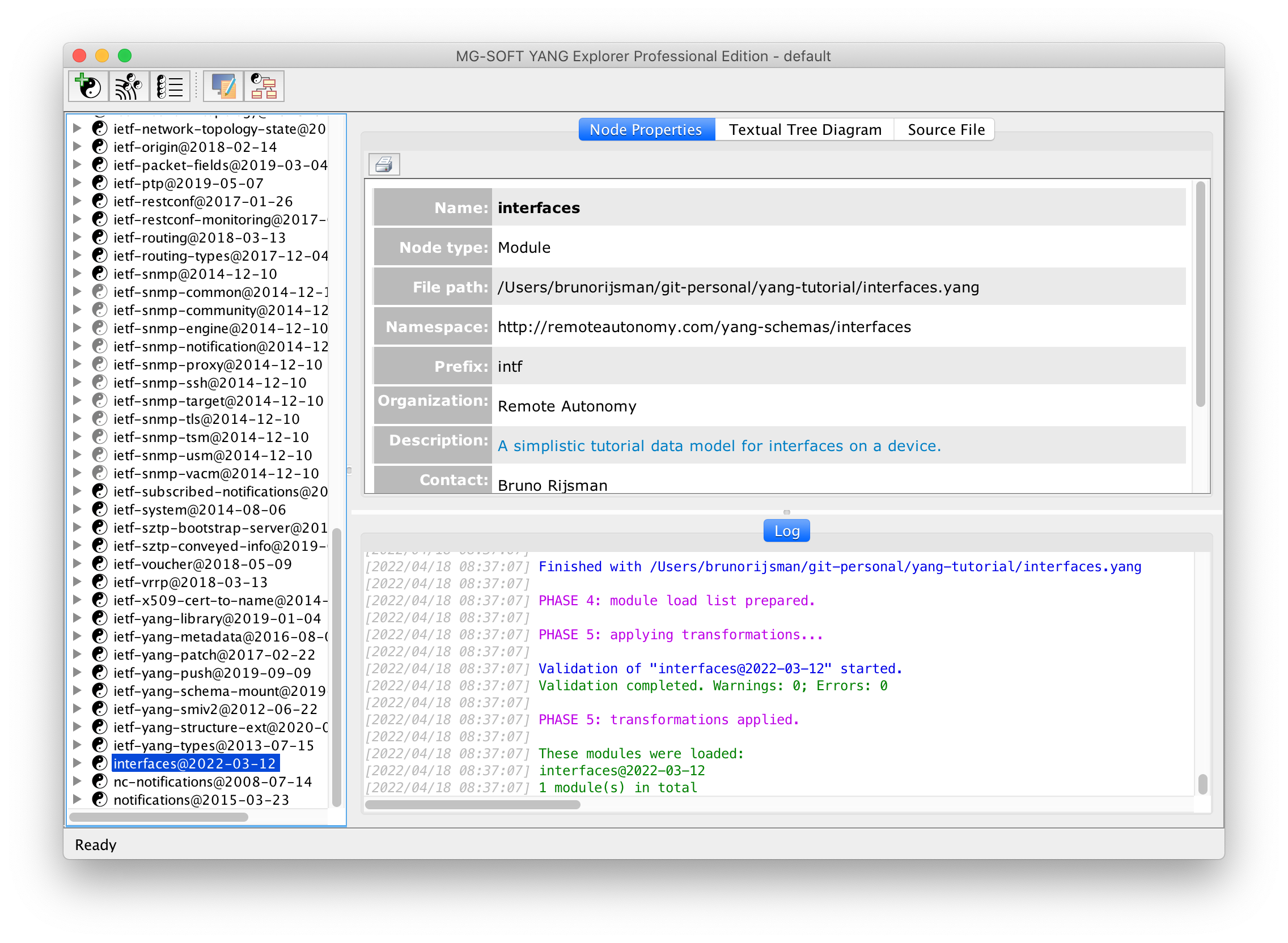
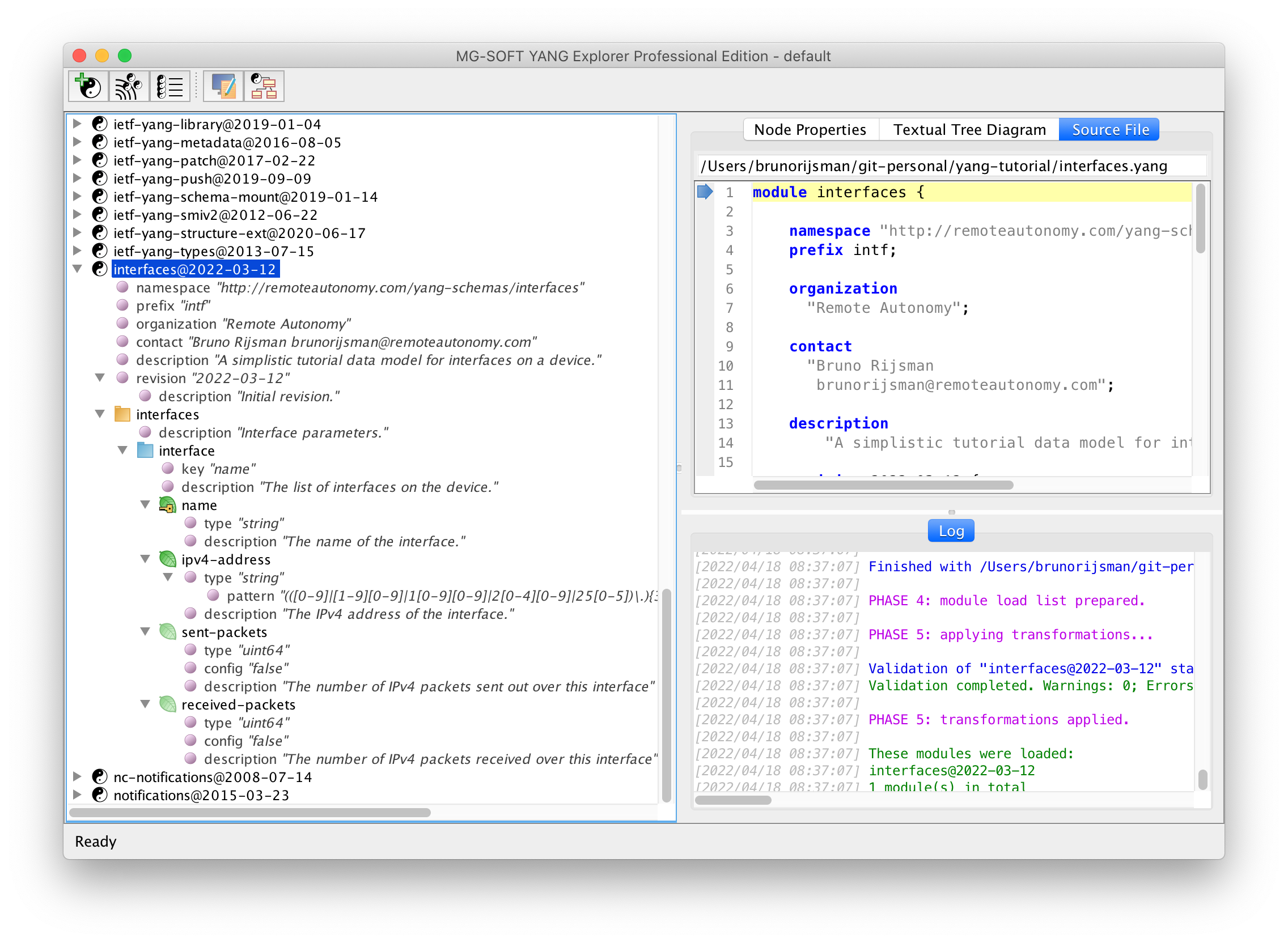
You can click on the triangle next to the interfaces YANG module to expand it one level,
or you can right-click on the module and select Expand Entire Subtree:
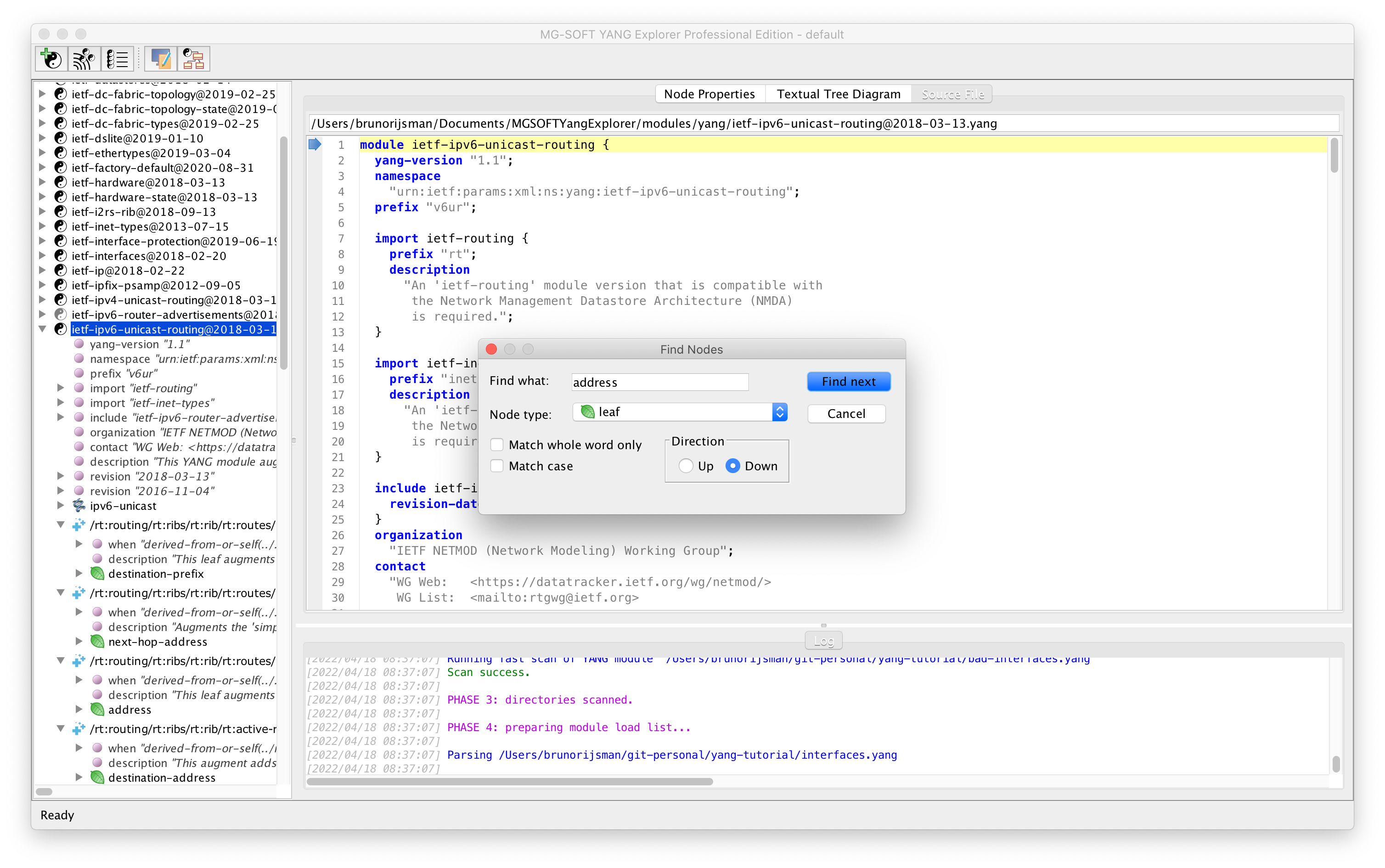
While in the tree pane, you can use menu item Edit → Find Nodes… (⌘F) to search for specific nodes. In the following screenshot we search for all leaf nodes that contain the word address:
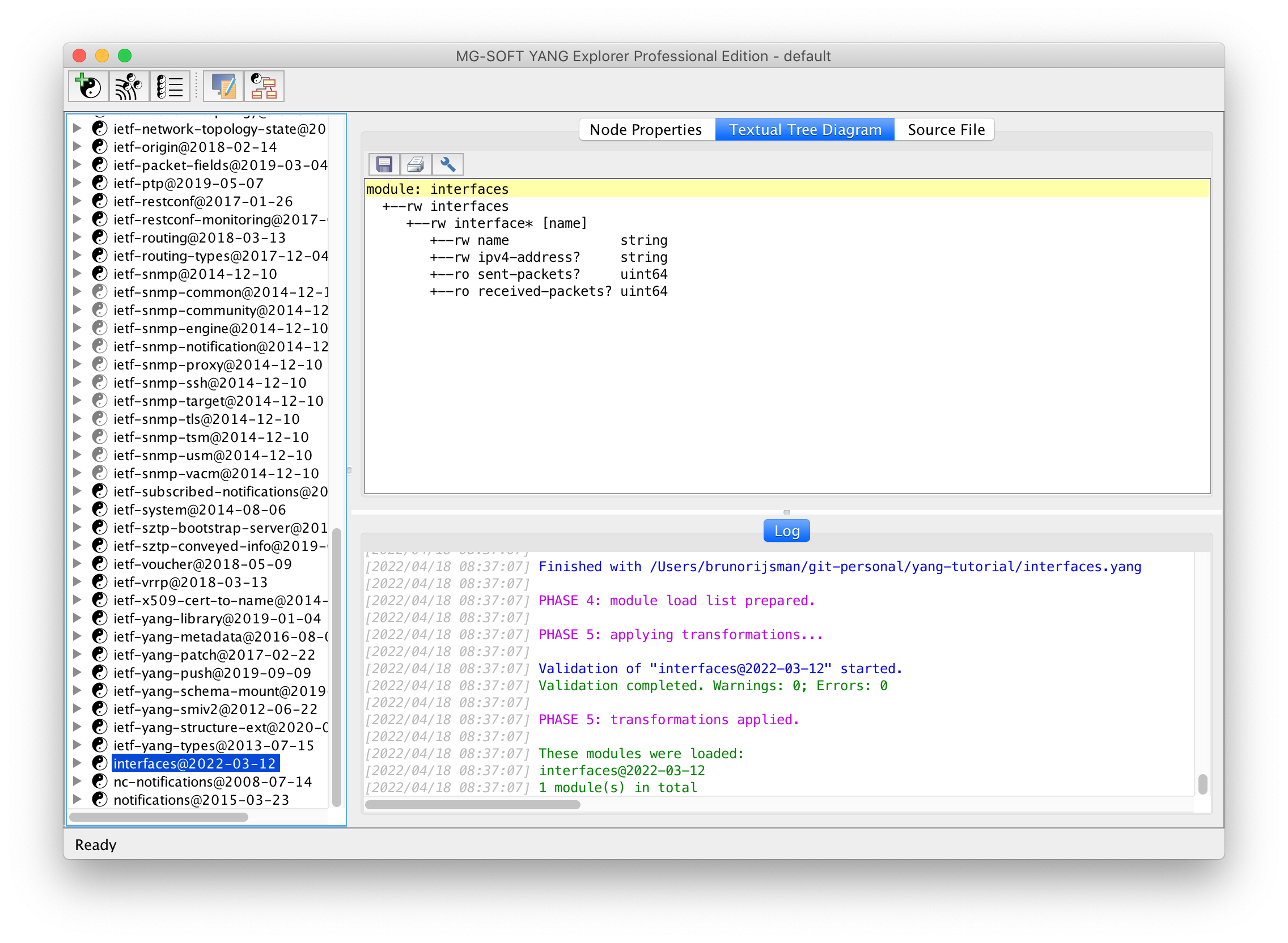
Clicking the tab displays the textual tree diagram:
Clicking the tab displays the source code for the YANG data model:
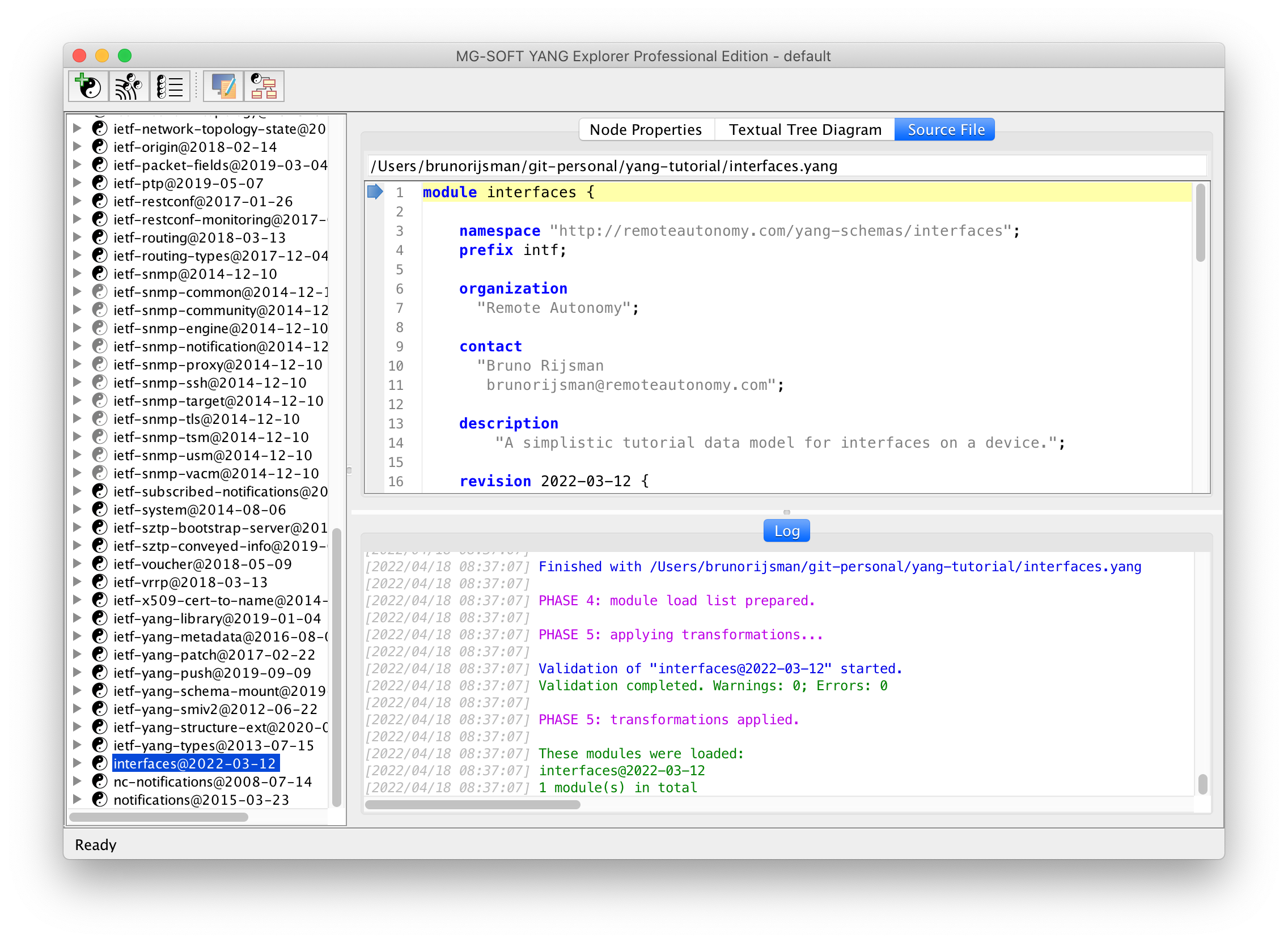
Our interfaces example YANG module is very simple and doesn’t import any other modules,
but most real-life modules do.
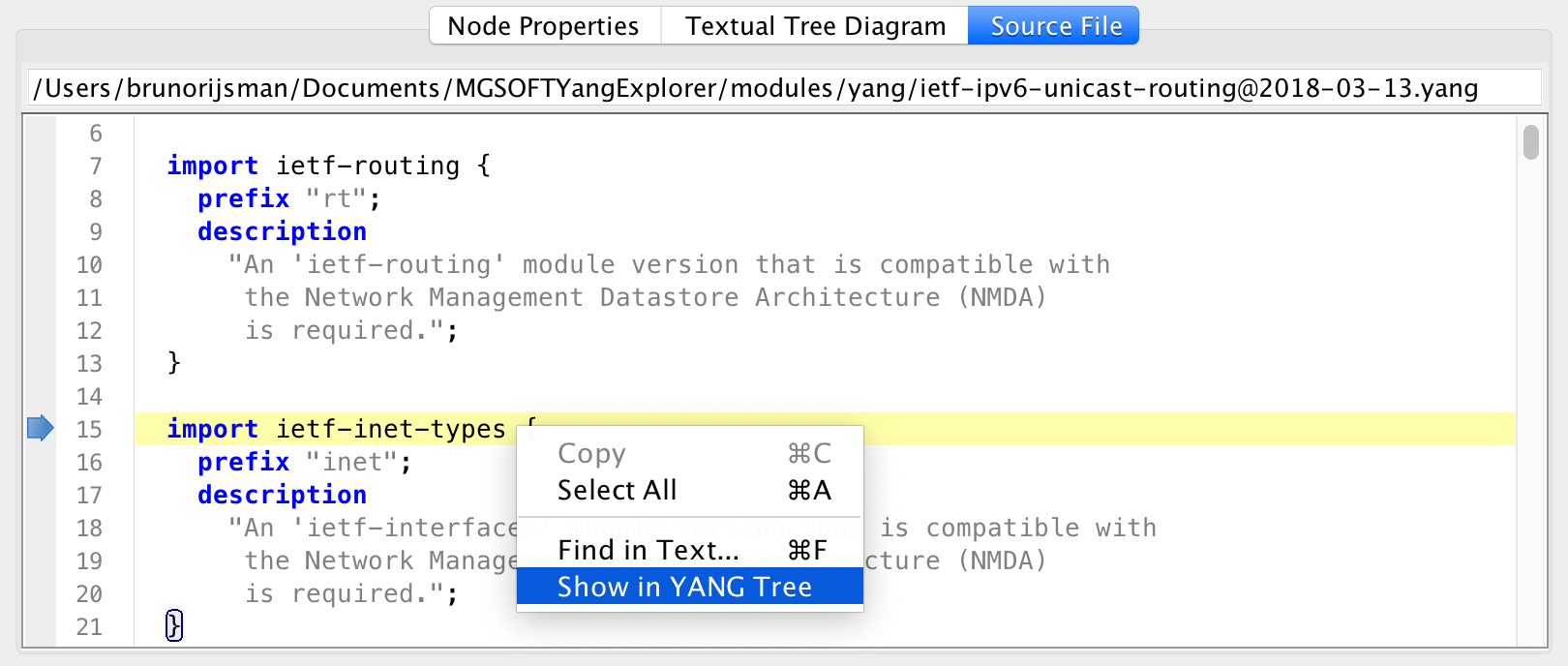
The following screenshot shows the standard IETF YANG module ietf-ipv6-unicast-routing.
On line 15 it imports another YANG module ietf-inet-types.
You can right-click on the import statement and select Show in YANG Tree to navigate to the
imported module
View UML diagram
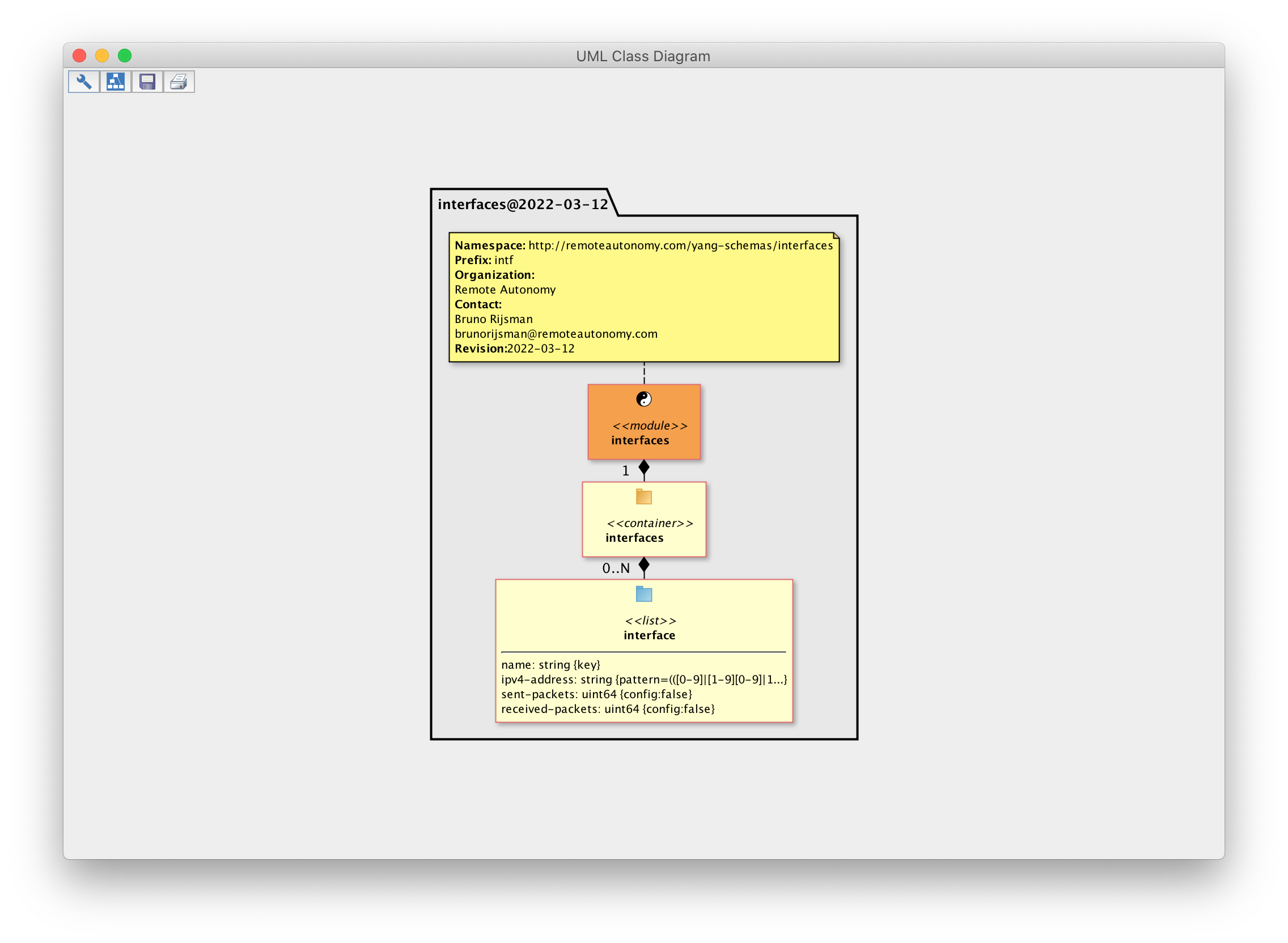
Select menu item View → UML Class Diagram… and click on the 🔧 icon to select a YANG data model and displays its UML class diagram:
View dependencies
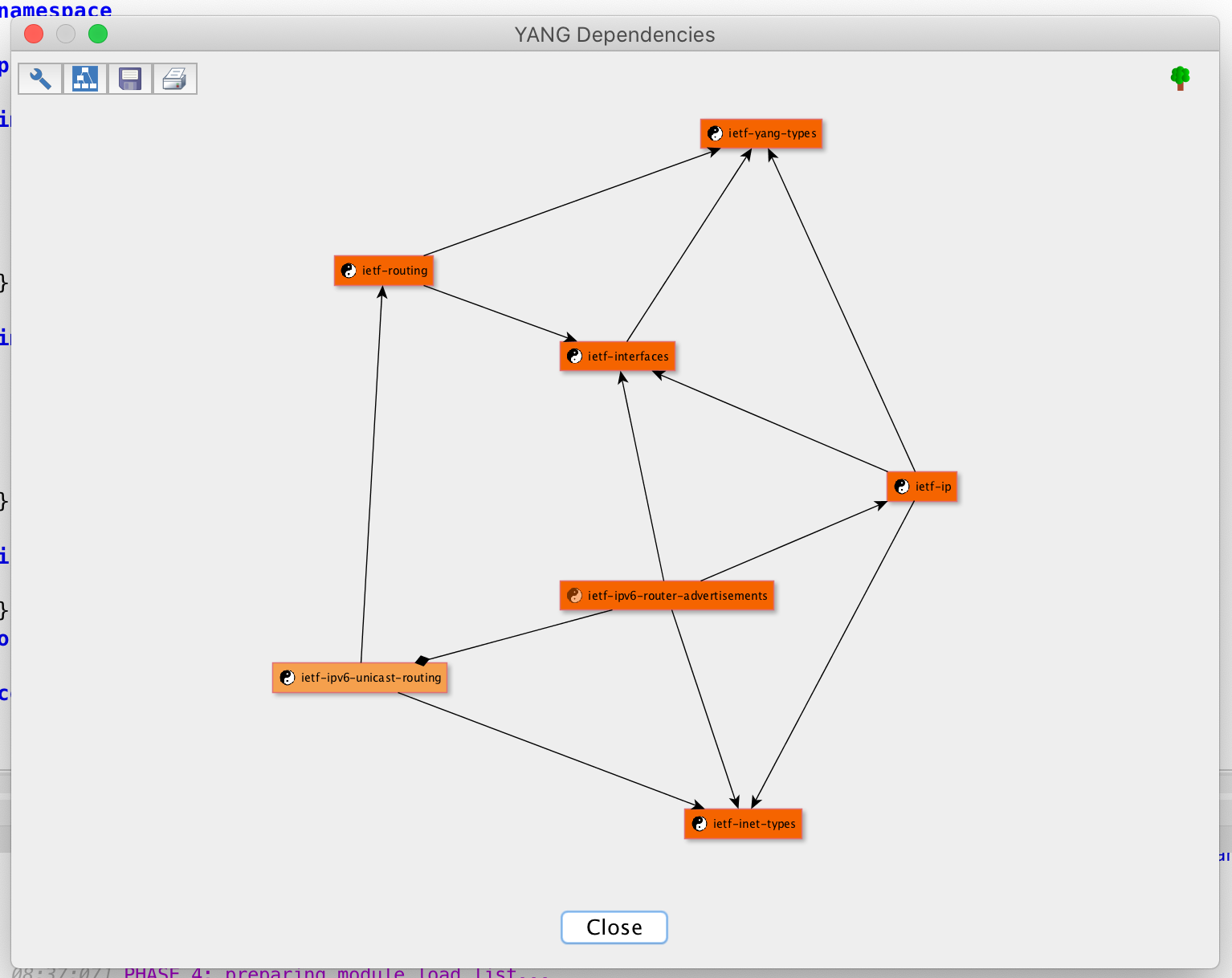
Select menu item View → YANG Dependencies… and click on the 🔧 icon to select a YANG data model and displays its YANG dependencies: